Clearing Cache Without Losing Data

does clear cache delete data
In today’s digital age, the term ‘cache’ is often tossed around, yet its essence remains misunderstood by many. This piece aims to shed light on what cache is, its differentiation from data storage, and the significance of clearing it, all while guiding readers through a deeper comprehension of their devices’ inner workings. By demystifying these concepts, we aspire to empower users with the knowledge to optimize their digital experience effectively.
Understanding Cache
Understanding ‘Cache’ in Computing
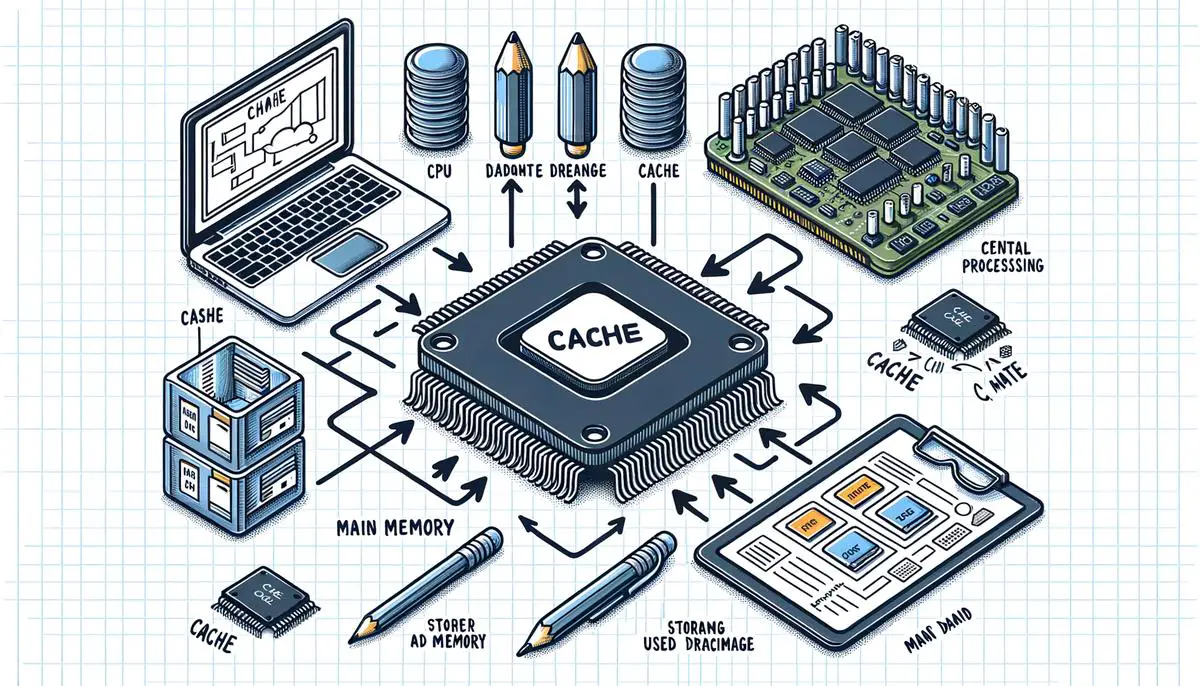
In the world of computing, ‘cache’ is a term you’ll often hear, but what does it actually mean? Simply put, a cache is a type of fast memory storage that helps increase the speed at which software applications run on devices like computers, smartphones, and tablets.
Let’s break it down. The cache stores copies of files or data from your main storage that are used frequently. Because the cache is much faster than regular storage, having these copies readily accessible means your device doesn’t have to work as hard to retrieve them. This results in quicker access to the data and, consequently, improved performance of your device.
There are different types of cache memory, each serving its purpose. For example:
- CPU Cache: Found inside the processor (CPU), it stores instructions that the CPU is likely to reuse. It’s divided into three levels (L1, L2, and L3) based on distance from the CPU, with L1 being the smallest but fastest.
- Web Cache: Used by web browsers to store web pages, images, and other web content. This means that when you revisit a webpage, the browser can load it from the cache rather than downloading everything again, making your browsing experience faster.
The cache is not a substitute for the main storage but works alongside it to enhance the speed of data access. However, it’s worth noting that because the cache stores data temporarily for quick access, it can become full. When this happens, the system automatically clears out the oldest or least used data to make room for new data.
In conclusion, cache in computing plays a critical role in enhancing the performance of devices by storing frequently accessed data in a rapidly accessible format. By understanding how cache works, users can appreciate the behind-the-scenes actions that make our devices faster and more efficient.
Difference Between Cache and Data
Moving forward from the foundational understanding of cache, it’s crucial to contrast this with data storage – a term that often gets mingled with cache but plays a considerably different role in computing devices. Data storage is where your device keeps all your files, documents, applications, and even the operating system itself. Unlike cache, which serves as a temporary holding spot to speed up access to frequently used data, data storage is meant for the long-term retention of data.
There are various forms of data storage, including hard disk drives (HDDs), solid-state drives (SSDs), and even cloud storage solutions. HDDs, the older technology, store data on spinning disks and use read/write heads to access it. SSDs, however, rely on flash memory to store data, offering faster speeds and more robustness due to the lack of moving parts. Cloud storage, on the other hand, keeps your data on remote servers, allowing access from any device with an internet connection.
Critically, unlike cache memory which is managed automatically by the system and primarily focuses on the temporary speed enhancement by storing duplicate data, data storage requires user management. Users decide what files to save, delete or move. Additionally, while cache gets cleared regularly without user intervention, data stored on your device or in the cloud remains until you decide to delete it or until it’s lost due to a failure or damage to the storage medium.
Understanding the distinction between cache and data storage is not just a matter of semantics. It influences how we use our devices, manage our files, and approach the maintenance of our computing systems. For instance, clearing the cache might resolve performance issues or free up minimal space temporarily, but managing data storage is essential for ensuring that you don’t run out of space for your files and programs in the long term.
This delineation between cache and data storage underscores the multifaceted nature of computing, where both temporary and permanent data management strategies work in tandem to optimize performance and user experience. So, next time your device is running slowly or you’re running low on storage space, you’ll have a clearer understanding of the steps you might need to take – whether it’s clearing the cache or managing your stored data.

Steps to Safely Clear Cache
Clearing Cache: Does It Affect Important Data?
In the realm of digital devices, the topic of clearing the cache often brings up a crucial question: Does this action delete any important data? Understanding the essence of cache clearing is paramount for maintaining optimal device performance without sacrificing essential information.
Clearing cache, in essence, involves deleting temporary files stored by your device or applications. These files are mainly created to speed up processes, such as loading websites faster or launching applications without delay. However, when we delve into whether important data gets deleted during this process, the answer hinges on your understanding of ‘important data.’
It’s critical to distinguish between ‘cache’ and ‘core data.’ Core data refers to files or information you’ve purposely saved or created, such as documents, photos, and videos. This data resides in the device’s primary storage system (like HDDs, SSDs, or cloud storage), distinctly apart from the cache. When you clear your cache, you’re only removing temporary files, not these core data files.
However, it’s worth noting that while clearing the cache doesn’t directly delete saved files or personal data, it can reset certain settings within apps or websites. For instance, if a website automatically logs you in, clearing the cache might sign you out. This happens because the cache might store your login state as a temporary file, and deleting it requires you to log in again. Similarly, websites that load more quickly because your device ‘remembers’ them might load more slowly the first time after the cache is cleared.
In summary, clearing the cache does not delete important data such as personal files, photos, or documents. It removes temporary files that help with speed and performance. While it might momentarily affect settings or cause websites to load slower, the benefits of freeing up space and potentially resolving performance issues often outweigh these minor inconveniences. Thus, managing cache clearing as part of regular device maintenance can enhance overall performance without risking the loss of valuable data.

As we’ve unraveled the layers of cache, data storage, and the processes behind clearing cache, it’s evident how integral these elements are to the seamless operation of our devices. Understanding these concepts doesn’t just elevate our technical knowledge—it equips us with the power to manage our devices more efficiently. Thus, acknowledging the subtleties between cache and data ensures our digital experience remains optimal, highlighting the incredible design and thought put into our everyday technology.